

A slow website can be detrimental to your online presence, reducing organic SEO traffic from Google and lowering conversion rates. In today’s digital landscape, speed is crucial for capturing and retaining user attention.
We analyze your website’s performance using our page speed checker, providing you with actionable insights to improve your page load time. Google explicitly uses site speed as an SEO ranking signal, making it essential to optimize your website’s speed.
By understanding your website’s performance metrics, you can identify areas for improvement and boost your search engine rankings. Our guide will walk you through the process of analyzing your site’s performance and implementing effective optimization strategies to achieve optimal speed across both mobile and desktop devices.
Key Takeaways
- Understand how website speed impacts SEO rankings and conversion rates.
- Learn how to analyze your website’s performance using PageSpeed Online tools.
- Discover actionable insights to optimize your website’s loading times.
- Improve user experience and drive more conversions with optimized website speed.
- Implement effective optimization strategies for optimal performance across devices.
Understanding PageSpeed Online and Why It Matters

PageSpeed Online is a critical tool for analyzing and improving website speed, directly impacting SEO and user engagement. As we strive to drive revenue growth through digital excellence, understanding the significance of PageSpeed Online is paramount.
What is PageSpeed Online?
PageSpeed Online is a service provided by Google that analyzes the content of a web page, providing suggestions for improvement to make it faster. For more detailed information on how PageSpeed Insights works, visit Google’s official documentation.
The Impact of Website Speed on SEO and User Experience
A slow website can significantly reduce organic SEO traffic from Google and lower conversion rates. Key impacts include:
- Higher bounce rates due to slow-loading pages
- Negative effects on search engine rankings
- Poor user experience leading to lower engagement
| Factor | Impact on SEO | Impact on User Experience |
|---|---|---|
| Page Load Time | Direct ranking factor | Higher bounce rates with slower times |
| Site Speed | Influences crawl rate and indexing | Affects engagement and conversion rates |
Improving your website’s speed can lead to better search engine rankings and a more positive user experience, ultimately driving business success. For businesses in Qatar looking to enhance their digital presence, optimizing website speed is crucial. Learn more about how SEO website design solutions can boost your digital success.
Getting Started with PageSpeed Online
Getting started with PageSpeed Online is the first step towards optimizing your website’s performance. We will guide you through the process of accessing PageSpeed Insights and running your first website speed test.
How to Access PageSpeed Insights
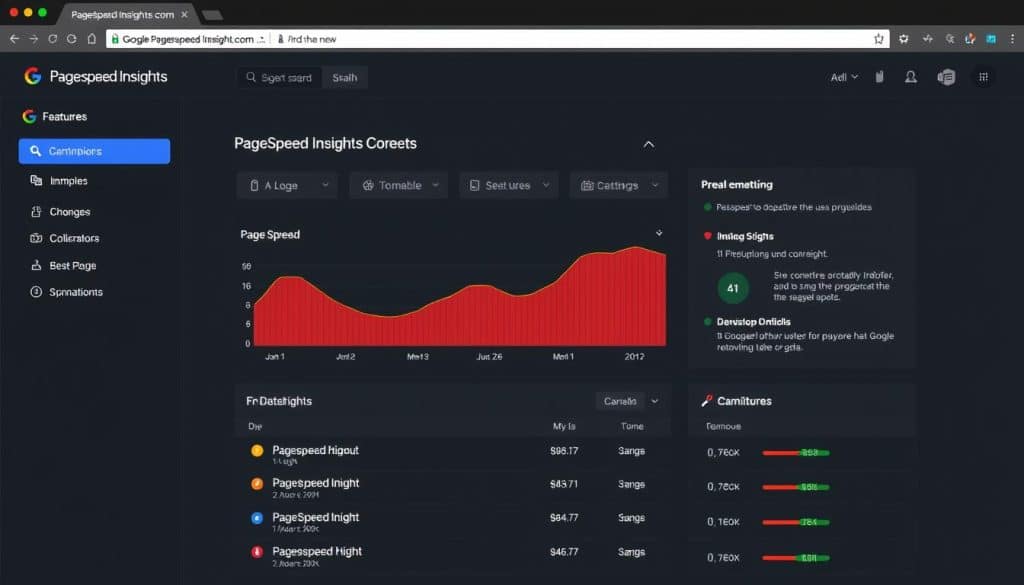
To access PageSpeed Insights, simply search for “google pagespeed insights” and navigate to the official Google PageSpeed Insights page. From there, you can enter your website’s URL and begin the analysis process.
Running Your First Website Speed Test
Running your first website speed test with PageSpeed Online is straightforward. Here are the key steps:
- Enter your URL and click “Analyze” to initiate the assessment.
- The system tests your page on both mobile and desktop devices, providing separate scores and recommendations.
- Initial tests take 30-60 seconds to complete, gathering both lab data and real-world performance metrics.
Understanding PageSpeed Metrics and Scores
Understanding the intricacies of PageSpeed metrics and scores is vital for enhancing your website’s overall performance and user experience. PageSpeed Insights provides a comprehensive analysis of your website’s speed, offering valuable insights into areas that require improvement.
Core Web Vitals Explained
Core Web Vitals are a set of specific metrics that measure the user experience of a webpage, focusing on aspects like loading performance, interactivity, and visual stability. These metrics are crucial in determining the overall performance of your website.
Lab Data vs. Field Data
PageSpeed Insights differentiates between Lab Data and Field Data. Lab Data is collected under controlled conditions, simulating a typical user experience, while Field Data is gathered from real users, providing insights into actual performance. Understanding the difference between these two data types is essential for a comprehensive analysis of your website’s site performance.
Interpreting Your PageSpeed Score
Your PageSpeed score is calculated on a scale from 0 to 100, with higher scores indicating better performance. Google considers scores of 90 and above to be excellent. The score is derived from a weighted average of various metrics, with Core Web Vitals having the most significant impact.
| Score Range | Performance Indicator |
|---|---|
| 90-100 | Good performance (Green) |
| 50-89 | Needs improvement (Orange) |
| 0-49 | Poor performance (Red) |
When evaluating your score, focus on the color-coding system and pay close attention to the specific opportunities and diagnostics provided by PageSpeed Insights. These actionable recommendations will guide your optimization efforts, helping you improve your website’s test results and overall performance.
“A good PageSpeed score is not just about achieving a high number; it’s about ensuring a seamless user experience. By focusing on Core Web Vitals and other key metrics, you can significantly enhance your website’s performance.”
Analyzing PageSpeed Reports in Detail
A thorough examination of PageSpeed reports is essential for identifying areas of improvement in your website’s performance. Our tool detects over 25 common performance issues and provides the data you need to fix them.
Breaking Down the Performance Report
The Performance Report section of PageSpeed Insights offers a detailed breakdown of your website’s load time and other key metrics. By examining this report, you can diagnose issues such as large HTML and CSS files, which can lead to poor website speed. For instance, embedded images and fonts can significantly increase the size of these files.
Identifying Critical Performance Issues
Critical issues are highlighted in the PageSpeed report with red indicators, signaling the need for immediate attention. Common critical issues include render-blocking resources, excessive JavaScript execution time, and unoptimized images that delay page load. For more detailed analysis and guidance, you can explore further resources on PageSpeed Insights.
By addressing these issues, you can significantly improve your website’s performance and web performance, leading to a better user experience.
Common Website Speed Issues and Solutions
Optimizing website speed is crucial for a seamless user experience and improved search engine rankings. We identify and address common issues that slow down your site.
Image Optimization Techniques
Optimizing images is essential for reducing page load times. Techniques include compressing images, using responsive images, and leveraging lazy loading. For more information on optimizing website elements, visit this guide on website speed optimization.
JavaScript and CSS Optimization
Optimizing JavaScript and CSS files is vital for improving website performance. Minifying and compressing these files, as well as using code splitting, can significantly reduce load times.
Server Response Time Improvements
Server response time, measured as Time to First Byte (TTFB), is critical for website performance. Improving TTFB involves implementing server-side caching, optimizing database queries, and upgrading hosting infrastructure if necessary.
- Implement server-side caching solutions like Redis or Memcached.
- Optimize database queries through proper indexing and query optimization.
- Consider upgrading your hosting infrastructure for better performance.
Advanced PageSpeed Online Features
To further enhance your website’s performance, PageSpeed Online offers advanced features that provide deeper insights and more precise optimization recommendations.
Using the PageSpeed Insights API
The PageSpeed Insights API allows developers to integrate PageSpeed’s powerful analysis capabilities into their own tools and workflows, enabling automated performance monitoring and optimization.
Mobile vs. Desktop Testing
PageSpeed Online provides separate testing environments for mobile and desktop devices, recognizing the significant differences in network capabilities, processing power, and user expectations.
- Mobile testing simulates a mid-tier device on a 4G connection, reflecting the constraints many mobile users face.
- Desktop testing assumes a more powerful device with faster network connectivity, setting different performance benchmarks.
- The scoring algorithm weighs metrics differently between mobile and desktop tests.
- Understanding the performance gap between your mobile and desktop scores helps prioritize responsive design improvements.
Continuous Performance Monitoring Tools
Continuous performance monitoring tools are essential for ensuring your website remains fast and efficient. These tools help in identifying performance issues before they become critical, allowing for proactive maintenance.
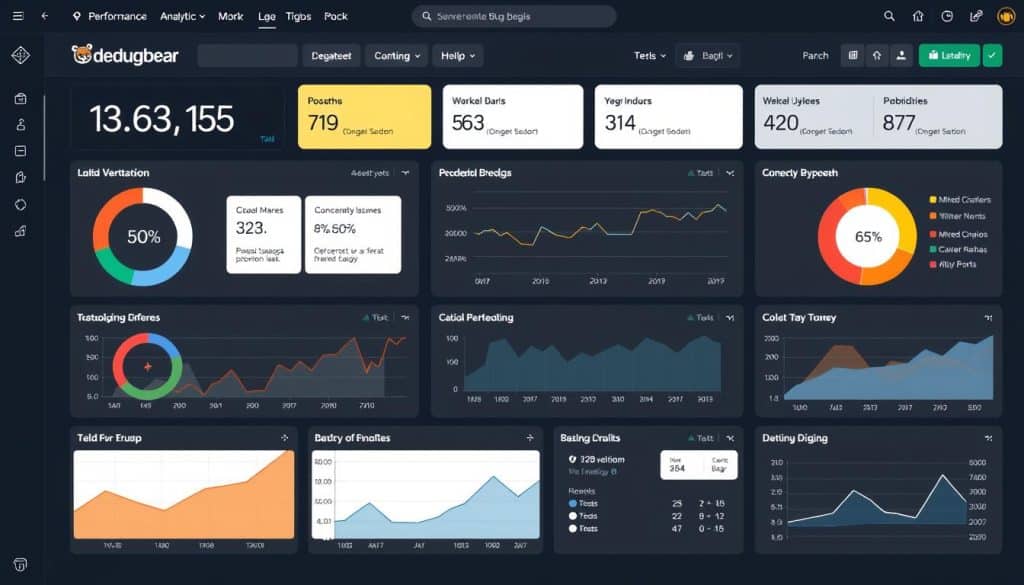
To effectively monitor your website’s performance, you can utilize tools like DebugBear. DebugBear offers ongoing speed tracking and performance monitoring, enabling you to stay on top of your website’s speed and overall user experience.
DebugBear for Ongoing Speed Tracking
DebugBear is a powerful tool for monitoring your website’s performance. It scans your monitored URLs hourly, daily, or weekly, providing flexibility based on your needs.
Setting Up Performance Budgets
Performance budgets are crucial for maintaining optimal website performance. They establish clear thresholds for key metrics like page size, load time, and number of requests.
- Performance budgets create accountability for maintaining website speed.
- Implementing budgets involves determining baseline performance and setting realistic improvement targets.
- Effective performance budgets are typically set at multiple levels, including overall page metrics and resource-type limits.
- Monitoring tools can be configured to send email alerts when budgets are exceeded.
- Successful implementations include integration with development workflows, checking against established budgets before deployment.
For more insights on performance monitoring tools, you can check out our article on ten frontend performance monitoring tools in.
Conclusion: Maintaining Optimal Website Performance
The journey to optimal website performance is ongoing, requiring commitment and the right tools. To maintain superior web performance, regular automated testing schedules are essential. We recommend weekly scans for stable sites and daily for frequently updated platforms. PageSpeed Insights helps identify areas for improvement. By leveraging email alerts for performance threshold violations, you can ensure rapid intervention when metrics fall below acceptable levels. This proactive approach yields long-term benefits, including improved user retention and better search visibility.
By adopting a performance-focused culture and implementing A/B testing for performance improvements, businesses can quantify the impact of speed enhancements on key metrics. This continuous optimization journey is crucial as web technologies and user expectations evolve.
FAQ
What is the purpose of using PageSpeed Insights for my website?
We use PageSpeed Insights to analyze your website’s performance, identifying areas for improvement to enhance user experience and search engine optimization (SEO).
How does website speed impact my SEO rankings?
Website speed is a critical factor in SEO rankings, as search engines like Google favor fast-loading websites, improving user experience and reducing bounce rates.
What are Core Web Vitals, and why are they important?
Core Web Vitals are a set of metrics that measure user experience, including loading speed, interactivity, and visual stability, which are essential for providing a seamless user experience.
What is the difference between lab data and field data in PageSpeed Insights?
Lab data is collected in a controlled environment, while field data is collected from real users, providing a more accurate representation of your website’s performance in different scenarios.
How can I improve my website’s server response time?
We can improve server response time by optimizing server configuration, leveraging content delivery networks (CDNs), and reducing the number of HTTP requests.
What is the role of image optimization in website performance?
Image optimization is crucial, as it reduces the file size of images, resulting in faster page loads and improved overall website performance.
Can I use PageSpeed Insights to test my website’s mobile performance?
Yes, PageSpeed Insights allows you to test your website’s performance on both desktop and mobile devices, providing insights into how to improve user experience across different platforms.
How often should I monitor my website’s performance using PageSpeed Insights?
We recommend regularly monitoring your website’s performance to identify areas for improvement and ensure optimal user experience.
What are performance budgets, and how can they help me?
Performance budgets are predefined limits for website performance metrics, helping you stay on track and ensure your website meets performance goals.







