

In today’s competitive digital landscape, finding the right keywords is crucial for driving organic traffic and achieving sustainable growth for your business.
Are you leveraging the most effective tool for keyword research? We explore how a popular tool can transform your SEO strategy.
By understanding how to use this tool correctly, you can discover new keywords and gain a competitive edge in your market.
Our comprehensive guide will walk you through the process, revealing techniques that can help you prioritize the most valuable SEO opportunities.
Key Takeaways
- Understand how to leverage a powerful tool for SEO purposes.
- Discover techniques to uncover valuable keyword opportunities.
- Learn how to interpret data to transform your content strategy.
- Gain a competitive edge by identifying untapped keyword opportunities.
- Drive measurable improvements in your organic search visibility.
Understanding Google Keyword Planner and Its SEO Value
Unlocking the full potential of Google Keyword Planner is essential for businesses aiming to boost their online presence. As a free research tool developed by Google, it provides valuable insights into search terms people use to find products, services, and information online.
What Is Google Keyword Planner?
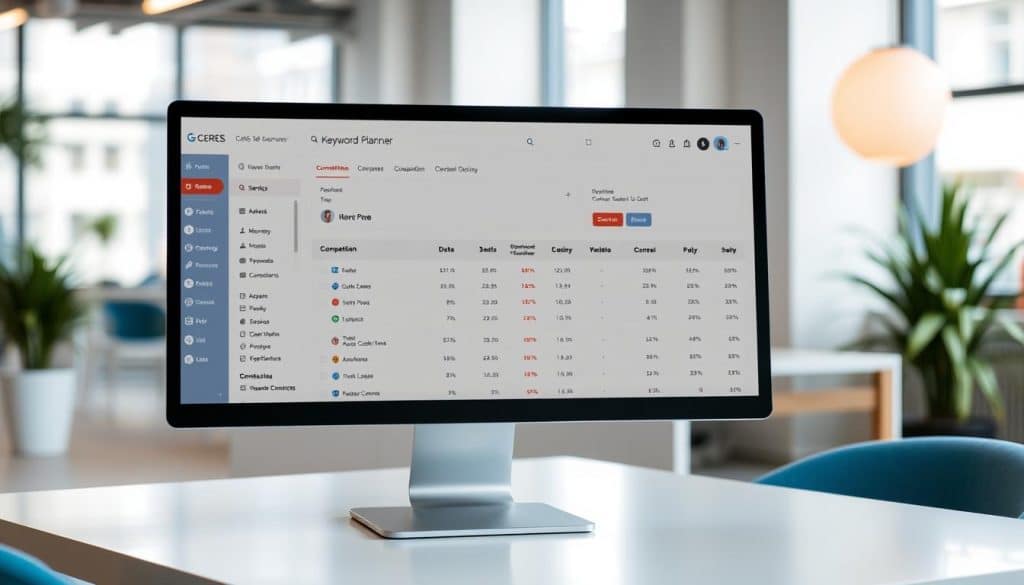
Google Keyword Planner is a tool that helps us discover new keywords related to our business and see estimates on the number of searches a keyword gets each month. Originally designed for Google Ads campaigns, it offers significant value for SEO practitioners who understand how to extract and apply its data for organic search optimization. The platform provides crucial metrics, including average monthly searches, competition levels, and bid ranges.
Why Google Keyword Planner Matters for SEO Strategy
For SEO professionals, Google Keyword Planner serves as a gateway to understanding search demand, identifying seasonal trends, and discovering new content opportunities. By analyzing search volume and competition, we can prioritize keywords that offer the best balance of traffic potential and ranking difficulty. The tool’s ability to filter results by location and language makes it particularly valuable for businesses targeting specific geographic markets or multilingual audiences. To further enhance your SEO strategy, we recommend checking out our comprehensive guide on how to do SEO for a website.
Understanding the relationship between keyword research and Google Ads can also inform our content strategy, helping us create targeted content that resonates with our audience. By leveraging Google Keyword Planner effectively, we can drive more traffic to our site and improve our overall SEO performance.
Accessing and Setting Up Google Keyword Planner
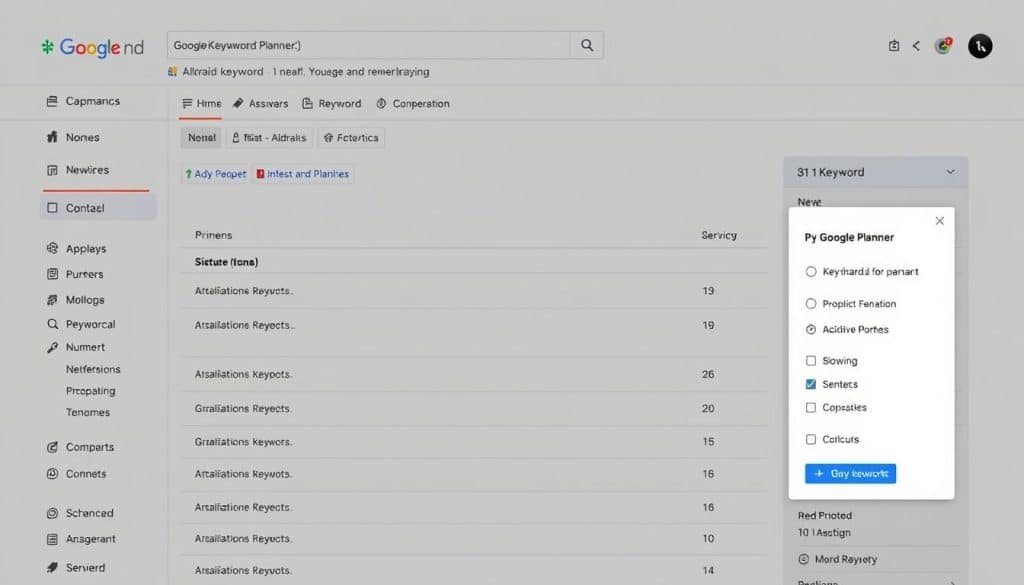
Accessing Google Keyword Planner is the first step towards enhancing your SEO strategy with data-driven insights. To use this tool, you need to have a Google Ads account, which is a straightforward process.
Creating a Google Ads Account
To start, you’ll need to create a Google Ads account if you don’t already have one. This process is quick and requires basic information about your business. Notably, you don’t need to run active ad campaigns to use the Keyword Planner, but setting up a Google Ads campaign is necessary.
The registration process involves following the prompts to enter your business details and complete the setup. This step is crucial as it grants you access to the Keyword Planner tool.
Navigating to Keyword Planner
Once your Google Ads account is set up, you can access Keyword Planner by logging into your account and clicking on the “Tools” menu. From the dropdown menu, select “Keyword Planner” to start using the tool.
The Keyword Planner interface offers two primary tools: “Discover new keywords” and “Get search volume and forecasts.” Both are valuable for different aspects of SEO research, allowing you to find the right keywords for your strategy.
Understanding the Interface
The Keyword Planner dashboard is designed to be user-friendly, with filtering options, data columns, and export features that streamline your research process. While the interface may undergo updates, its core functionality remains focused on keyword discovery and volume analysis.
For SEO purposes, you can focus on the features that matter most to your strategy, such as keyword suggestions and search volume data. Exploring the various data visualization options can also help identify patterns and opportunities.
Using Google Keyword Planner for SEO Success
Effective use of Google Keyword Planner can be a game-changer for your SEO success. By utilizing its robust features, you can significantly enhance your keyword research and optimization efforts.
Discover New Keywords Tool
The “Discover New Keywords” tool offers two powerful approaches for SEO keyword research: starting with seed keywords or analyzing a website. When starting with keywords, you can enter terms directly related to your products or services to generate a comprehensive list of related search terms and variations.
Starting with Keywords
Entering multiple seed keywords separated by commas can expand your results and help you discover connections between different topic areas relevant to your business. This approach allows you to access Google’s internal database of keywords for different industries.
Starting with a Website
The website analysis option enables you to extract keyword ideas from any URL, including your own site, competitor pages, or industry resources. This can reveal terms you might not have considered and provide insights into the keywords driving your competitors’ organic traffic success.

Get Search Volume and Forecasts Tool
The “Get Search Volume and Forecasts” tool is ideal for evaluating existing keyword lists, providing detailed metrics on search demand and seasonal trends. This feature allows you to upload CSV files containing up to 1,000 keywords at once, making it efficient for analyzing large keyword sets from other research tools.
| Tool Feature | Description | SEO Benefit |
|---|---|---|
| Search Volume | Provides average monthly searches for a keyword | Helps in identifying popular keywords |
| Forecasts | Offers insights into projected search trends | Informs content calendar and SEO prioritization |
| CSV Upload | Allows bulk analysis of up to 1,000 keywords | Streamlines analysis of large keyword lists |
By leveraging these tools effectively, you can enhance your SEO strategy with data-driven insights, ultimately driving more targeted traffic to your website.
Filtering and Analyzing Keyword Results
To maximize SEO potential, it’s essential to filter and analyze keyword results accurately. This process enables us to tailor our keyword strategy to specific business objectives and target audiences, ultimately driving more effective SEO campaigns.
Location and Language Settings
The location and language settings in Google Keyword Planner allow us to target specific geographic markets, which is crucial for businesses operating in multiple regions or countries. For instance, businesses in Qatar can adjust the location setting to target this specific market, providing more accurate search volume data relevant to their local audience.
Using Advanced Filters Effectively
Advanced filters enable us to narrow down keyword results based on criteria such as search volume ranges, keyword text inclusion or exclusion, and competition levels. By applying these filters, we can extract the most relevant keyword data for our SEO objectives, streamlining our strategy.
Understanding Keyword Metrics
Keyword metrics provide valuable insights into the potential of our target keywords. Two critical metrics are Average Monthly Searches and Competition and Top of Page Bid.
Average Monthly Searches
Average Monthly Searches offers a range rather than exact figures, giving us insights into the relative popularity and seasonal trends of keywords. This information is crucial for understanding the potential traffic a keyword can generate.
Competition and Top of Page Bid
The Competition score refers to Ads competition, not organic SEO competition. Meanwhile, the Top of Page Bid metric serves as a useful proxy for commercial intent, with higher bid estimates often indicating keywords with greater conversion potential. By analyzing these metrics together, we can identify keywords that balance decent search volume with reasonable competition and clear intent alignment.
For a deeper dive into tracking your website’s SEO performance, consider using our Website SEO Rank Checker tool, which can provide valuable insights into your current SEO standing.
Selecting the Right Keywords for Your SEO Strategy
Crafting a winning SEO strategy begins with selecting keywords that align with your business goals. The process involves evaluating multiple factors to identify the most valuable keywords for your website.
Balancing Search Volume and Competition
When choosing keywords, it’s essential to strike a balance between search volume and competition. High search volume can drive more traffic, but it often comes with increased competition. We recommend analyzing the top page bid estimates and assessing the authority of websites ranking on the first page.
Evaluating Commercial Intent
Commercial intent is a critical factor in keyword selection. Keywords with high commercial intent, indicated by transactional language and high top of page bid estimates, are more likely to drive conversions. We suggest using tools like Google Keyword Planner to identify such keywords and incorporating them into your SEO strategy.
Identifying Seasonal Keywords
Seasonal keywords require special consideration. Planning content creation and optimization cycles around anticipated search volume peaks can help maximize your SEO results. We advise regularly revisiting and refining your keyword strategy to adapt to changing market conditions and seasonal fluctuations.
By carefully evaluating these factors and incorporating them into your SEO strategy, you can improve your website’s visibility, drive more targeted traffic, and ultimately boost conversions.
Advanced Google Keyword Planner Techniques

While many users are familiar with the basics of Google Keyword Planner, few know about the advanced techniques that can drive real results. To maximize your SEO potential, it’s essential to go beyond the fundamentals and explore more sophisticated strategies.
The GKP Hack: Using Competitor URLs
The Google Keyword Planner has two major flaws: it only gives you keyword ideas that are very closely related to what you type in, and you get the same set of keywords everyone else does. Fortunately, there’s a simple way around both of those frustrating issues: The GKP Hack. By using competitor URLs instead of seed keywords, you can uncover unique keyword opportunities your competitors may be targeting.
To apply this hack, head over to the “Discover New Keywords” area of the GKP, select “Start With a Website,” and enter a URL from another website in your niche. This technique works particularly well with high-performing content pages from industry leaders, revealing the specific terms driving their organic search traffic success.
Organizing Keywords into Strategic Groups
Once you’ve generated a list of new keywords, it’s crucial to organize them into strategic groups. This process helps transform raw keyword data into actionable content plans and site architecture decisions. Create thematic clusters that align with your site’s structure and business objectives, grouping related terms that can be targeted within single pieces of content or dedicated sections.
Consider organizing keywords by user journey stage (awareness, consideration, decision) to ensure your content strategy addresses the full spectrum of customer needs. By doing so, you’ll be able to create a more comprehensive and effective SEO strategy that drives real results.
Conclusion: Maximizing Your SEO Results with Google Keyword Planner
To maximize SEO results, integrating Google Keyword Planner into your workflow is essential.
We emphasize that this tool remains a crucial component of a comprehensive SEO strategy, offering insights directly from Google’s vast search data.
By combining Keyword Planner with other SEO tools, businesses can develop a more nuanced understanding of their keyword landscape.
For companies targeting the Qatar market, localizing keyword research is vital.
Successful SEO strategies balance data-driven keyword selection with creative content development.
Regularly reviewing keyword performance and adjusting strategies accordingly is key.
As search algorithms evolve, using Keyword Planner to develop topic clusters rather than focusing on individual keywords will be beneficial.
FAQ
What is the primary function of the Keyword Planner tool?
The primary function of the Keyword Planner tool is to help users discover new keywords, get search volume and forecasts, and analyze keyword metrics to inform their digital marketing strategies.
How do I access the Keyword Planner tool?
To access the Keyword Planner tool, you need to create a Google Ads account and navigate to the Keyword Planner section within the Google Ads interface.
What factors should I consider when selecting keywords for my SEO strategy?
When selecting keywords, consider factors such as search volume, competition, commercial intent, and seasonality to ensure you’re targeting the most relevant and effective keywords for your business.
Can I use the Keyword Planner tool to analyze competitor keywords?
Yes, you can use the Keyword Planner tool to analyze competitor keywords by using the “Discover new keywords” feature and entering your competitor’s URL to identify relevant keywords.
How do I effectively filter and analyze keyword results?
To effectively filter and analyze keyword results, use the location and language settings, advanced filters, and keyword metrics to narrow down your results and identify the most relevant keywords for your business.
What is the importance of understanding keyword metrics?
Understanding keyword metrics, such as search volume and competition, is crucial for developing an effective SEO strategy that drives digital growth and revenue.
Can I use the Keyword Planner tool to identify seasonal keywords?
Yes, the Keyword Planner tool provides search volume forecasts, which can help you identify seasonal keywords and plan your SEO strategy accordingly.
How often should I revisit and refine my keyword strategy?
You should regularly revisit and refine your keyword strategy to ensure it remains aligned with your business goals and adapts to changes in the market and search trends.







