

In today’s fast-paced digital landscape, businesses in Qatar and beyond are increasingly reliant on digital transformation to stay competitive. A critical yet often overlooked component of this transformation is the development of offline web applications that can operate seamlessly regardless of network conditions.
Did you know that a significant portion of businesses still face challenges due to unreliable internet connectivity? This is where offline-capable web apps come into play, providing uninterrupted service and enhancing user experience.
We specialize in crafting expert offline web app solutions that not only address the technical challenges but also drive business growth. By leveraging the latest technologies, we help businesses achieve improved user satisfaction, increased productivity, and enhanced data collection capabilities.
Key Takeaways
- Understand how offline web applications can revolutionize your business operations.
- Discover the core technologies behind offline-capable web apps.
- Learn implementation strategies and best practices for development.
- Explore the tangible benefits of offline web apps, including improved user satisfaction and productivity.
- Find out how our expert approach can drive your digital transformation journey.
Understanding Offline Web Applications

By leveraging advanced caching and local storage, offline web applications are redefining the boundaries of web functionality. At its core, an offline web application is designed to function without constant internet connectivity, challenging the traditional requirement for continuous online access.
What Makes a Web App Work Offline
The key to enabling a web app to work offline lies in sophisticated technologies. The Service Worker API acts as a proxy between the application and the network, intercepting requests and serving cached resources when needed. This allows web apps to store essential resources locally on the user‘s device during the initial load.
- The Service Worker API enables offline functionality.
- Cached resources are served locally, reducing reliance on internet connectivity.
Benefits for Business Digital Transformation
For businesses undergoing digital transformation, offline web applications offer unprecedented flexibility. Operations can continue seamlessly in environments with unreliable internet connections, improving user experience by eliminating loading screens and network-related errors. This results in higher engagement and satisfaction rates, transforming how businesses collect and process data in the field.
- Offline capabilities allow for continuous operation in low-connectivity areas.
- Enhanced user experience through reduced loading times and errors.
The Technology Behind Offline Web Apps

To understand offline web apps, it’s crucial to delve into the technology that powers them, particularly Service Workers. Service Workers are a virtual proxy between the browser and the network, enabling the caching of a web app‘s assets for offline access.
Service Workers Explained
Service Workers form the foundation of offline web applications by functioning as a programmable network proxy. They operate on a separate thread from the main JavaScript execution, allowing them to intercept requests without blocking user interactions. This capability is crucial for providing a seamless user experience.
Cache Storage API
The Cache Storage API works in conjunction with Service Workers, providing a mechanism to store and retrieve web resources programmatically. This enables efficient management of cache, ensuring that the app remains functional even without a network connection. For more information on Progressive Web Apps, visit MDN Web Docs.
By leveraging Service Workers and the Cache Storage API, developers can create robust offline web applications that offer a native app-like experience. This technology is pivotal in driving digital transformation and enhancing user engagement.
Essential Components of Offline Web App Development
Offline web app development hinges on several critical elements that must be carefully planned and executed. A fully offline web application must load all necessary resources in advance, handle its own navigation, validate user inputs, manage data storage and retrieval, and avoid making network requests outside of the initial app load.
Resource Precaching Strategies
Effective resource precaching is vital for ensuring that all necessary assets are available offline. We identify and prioritize resources to be cached during the initial application load, balancing performance with offline functionality needs.
Handling Navigation Without Network Requests
To maintain a seamless user experience, we implement client-side routing techniques that handle navigation without relying on network requests, ensuring that the app remains functional offline.
Input Validation in Offline Environments
In offline environments, input validation becomes even more critical due to the absence of server-side validation. We implement robust client-side validation to maintain data integrity and ensure a reliable user experience.
Implementing Service Workers for Offline Functionality
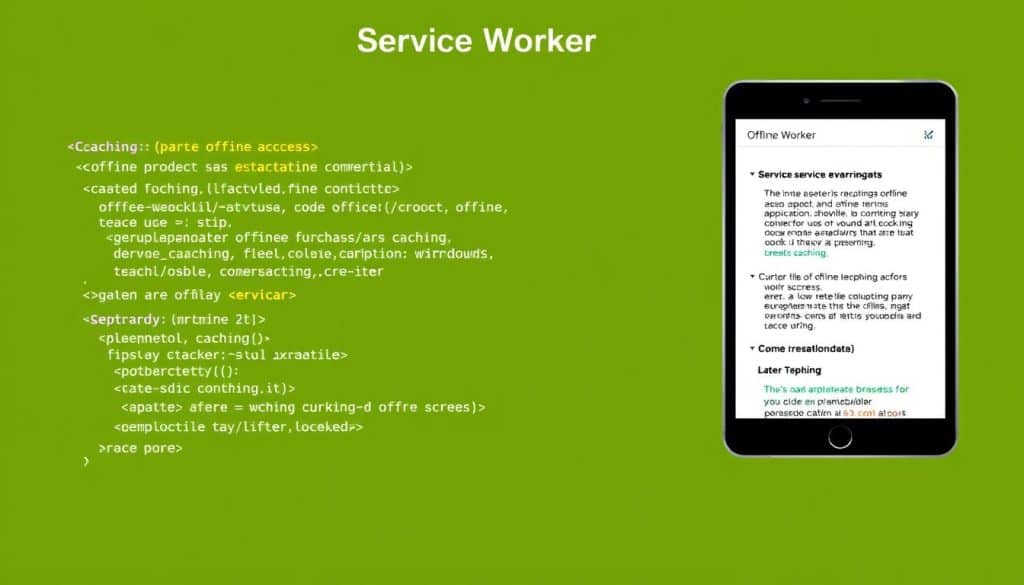
Implementing service workers effectively is vital for delivering offline functionality in modern web applications. We will guide you through the process, ensuring that your web application remains performant and user-friendly even without a network connection.
Registration Process
The registration process is the first step in implementing a service worker. It involves checking if the browser supports service workers and then registering the service worker script. The code snippet below illustrates this process: If ("serviceWorker" in navigator) { navigator.serviceWorker.register("./sw.js"); }
Installation and Activation Events
Once registered, the service worker goes through installation and activation events. During installation, we can precache essential resources. The service worker doesn’t install until the code inside waitUntil is executed, ensuring that installation is not completed until all necessary resources are cached.
Intercepting Fetch Requests
Intercepting fetch requests is crucial for serving cached resources when the network is unavailable. We can implement strategies like cache-first or network-first to manage how resources are fetched and cached, ensuring a seamless user experience.
Data Storage Solutions for Offline Web Apps
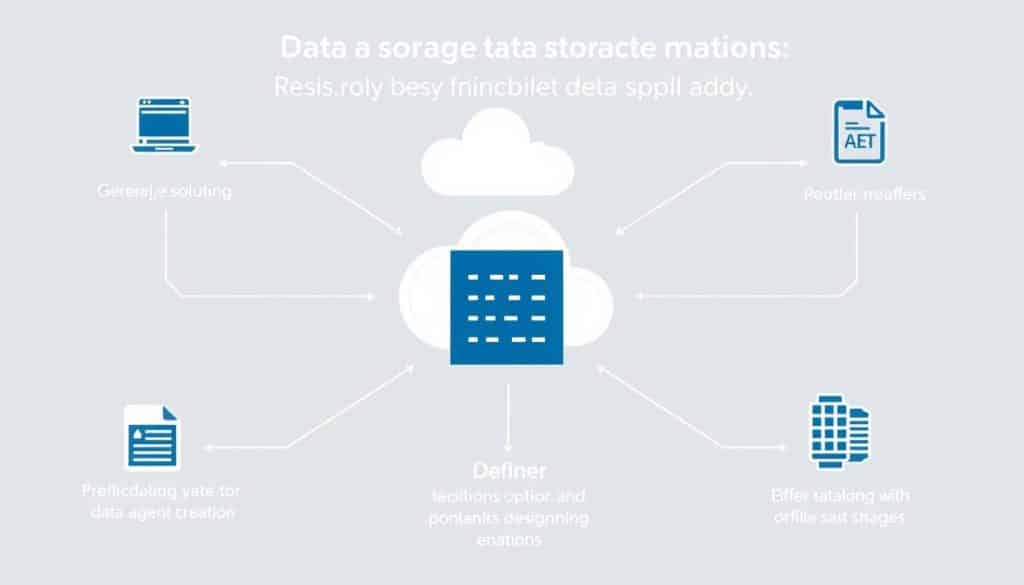
The backbone of any successful offline web application is its data storage strategy, which must be carefully considered. Effective data storage is crucial for ensuring that your web app functions seamlessly without network connectivity.
Local Storage Capabilities and Limitations
Local Storage offers simplicity but has significant size constraints (typically 5-10MB per domain) and can only store string data. It’s also insecure as other webpages on the same domain can access it.
IndexedDB for Complex Data Management
IndexedDB emerges as the preferred solution for complex data management, offering a robust object store with support for transactions, indexes, and significantly larger storage quotas. It enables efficient querying and updates even when handling large datasets offline.
Building a Progressive Web App with Offline Capabilities
To build a successful Progressive Web App, it’s crucial to understand the key components that enable offline capabilities. We will guide you through the process of creating a seamless user experience, even without network connectivity.
App Shell Architecture
The App Shell Architecture is fundamental to PWAs, separating the application infrastructure from its content. This enables instant loading and reliable offline performance. For more information on PWAs, you can read Exploring Progressive Web Apps.
Handling Updates and Versioning
Handling updates and versioning is crucial for maintaining offline applications. We use cache versioning strategies to ensure users always have access to the latest features without disrupting their experience. This involves clearing out old cache using the activate event: self.addEventListener("activate", (e) => { ... });.
Testing Offline Functionality
Testing offline functionality requires specific approaches and tools. We explore techniques for simulating offline conditions and verifying that your web application behaves correctly. For comprehensive testing strategies, visit SEO Mastery.
Overcoming Common Challenges in Offline Web App Development
Developing offline web applications comes with its unique set of challenges that require careful consideration and strategic planning. As we explore these challenges, we will also discuss effective strategies to overcome them, ensuring robust and reliable offline functionality.
Security Considerations
Security is a significant concern when developing offline web apps, as data stored on user devices can be vulnerable to security breaches. We must implement robust encryption methods and secure data handling practices to mitigate these risks.
Synchronization When Back Online
When connectivity is restored, synchronizing data between the offline app and the server can be complex. We need to implement robust synchronization patterns that maintain data integrity across both offline and online states, ensuring a seamless user experience.
Browser Compatibility Issues
Different browsers support offline technologies to varying degrees, which can lead to compatibility issues. We will examine a comprehensive compatibility matrix and discuss fallback strategies to ensure our application works across different browsers and devices.
To illustrate the compatibility issues, consider the following table:
| Browser | Offline Support | Service Worker Support |
|---|---|---|
| Google Chrome | Yes | Yes |
| Mozilla Firefox | Yes | Yes |
| Safari | Limited | Partial |
| Microsoft Edge | Yes | Yes |
For more insights on progressive web app development challenges and best practices, visit this resource.
Conclusion: Transforming Business Operations with Offline Web Apps
As we conclude our exploration of offline web applications, it’s clear that these technologies are revolutionizing business operations. We’ve examined the comprehensive technology stack enabling offline functionality, including Service Workers and Cache Storage. The business impact extends beyond convenience, transforming field operations and enhancing customer experiences.
By leveraging offline web apps, companies can gain competitive advantages and improve operational efficiency. The future looks promising with improving browser support and emerging APIs for background synchronization. We encourage you to assess your current web applications for offline enhancement opportunities, potentially transforming existing digital assets into more resilient tools.
Embracing these technologies positions your business for success in an increasingly mobile-first world. The investment in offline capabilities pays dividends through improved user satisfaction and reduced dependency on network conditions.
FAQ
How do offline web applications handle data storage?
We utilize various data storage solutions, including Cache Storage API and IndexedDB, to manage data effectively in offline web applications, ensuring seamless functionality even without network connectivity.
What is the role of service workers in offline web apps?
Service workers act as intermediaries between the browser and network, enabling offline functionality by intercepting fetch requests and leveraging cached resources to provide a more robust user experience.
How do you ensure security in offline web applications?
We implement robust security considerations, including secure data storage practices and validation mechanisms, to protect user data and prevent potential vulnerabilities in offline web applications.
Can offline web apps handle complex data management?
Yes, using IndexedDB, we can manage complex data in offline web applications, enabling efficient data storage and retrieval even without network connectivity.
How do offline web applications handle updates and versioning?
We employ strategies like cache versioning and update mechanisms to ensure that offline web applications stay up-to-date, even when users don’t have a stable network connection.
What are the benefits of using offline web applications for business digital transformation?
Offline web applications enable businesses to provide a more reliable and efficient user experience, even in areas with poor network connectivity, driving digital transformation and improving overall business outcomes.
How do you handle synchronization when an offline web application comes back online?
We implement synchronization mechanisms to ensure seamless data exchange when the application regains network connectivity, ensuring data consistency and integrity.







