

As web developers, we often struggle to convey intricate technical details to clients and stakeholders. Effective slide presentations can be a game-changer in this regard.
We will explore how well-designed slides can bridge the gap between technical details and business objectives, driving engagement and understanding.
Our comprehensive guide covers everything from design principles to technical content presentation strategies.
Key Takeaways
- Discover how to leverage visual elements and color theory to create impactful presentations.
- Learn how to effectively communicate complex technical concepts to clients and stakeholders.
- Understand the importance of information architecture in creating engaging presentations.
- Explore expert insights on creating presentations that drive business growth.
- Get actionable tips for different presentation scenarios, from client proposals to team training.
The Power of Visual Communication in Web Development

Visual communication is revolutionizing the way web development projects are presented, making it easier for developers to convey their vision to clients. In today’s client-focused development environment, the ability to effectively communicate complex technical concepts through slides has become an essential skill for web developers.
The use of visual narratives in presentation helps to translate intricate development processes into accessible information for all stakeholders. By leveraging visual communication, developers can bridge the gap between technical and non-technical stakeholders, ensuring that everyone is on the same page.
Why Slides Matter for Web Developers
Slides have become a critical tool for web developers to convey their ideas and plans to clients. Well-crafted presentations can reduce misunderstandings, set clear expectations, and build stronger client relationships throughout the web development process.
- Effective slides help developers communicate technical constraints and possibilities to non-technical stakeholders.
- Clear presentation of information facilitates better project outcomes.
Bridging the Gap Between Technical and Non-Technical Stakeholders
The use of slides in web development presentation serves as a bridge between developers’ technical knowledge and clients’ business objectives. By using visual communication, developers can ensure that their message is conveyed clearly to the audience, regardless of their technical background.
- Visual communication streamlines decision-making processes.
- It reduces the number of revisions needed during web development projects.
Essential Elements of Effective Web Development Slides
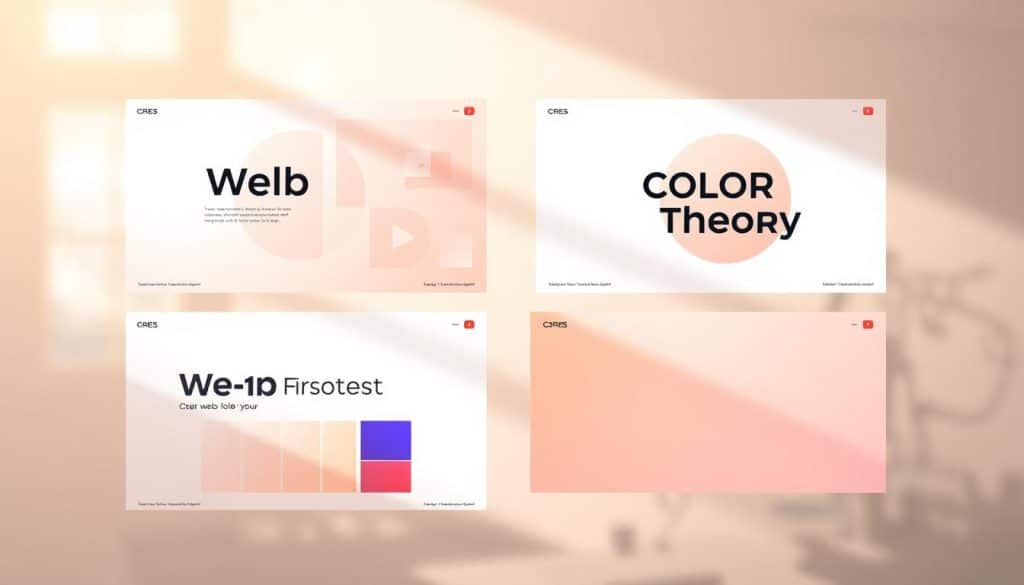
To communicate complex web development concepts effectively, slides must be both informative and visually engaging. We will break down the fundamental design elements that make web development slides both visually appealing and functionally effective for communicating technical information.
Visual Hierarchy and Information Architecture
A clear visual hierarchy is crucial in guiding viewers’ attention to the most important aspects of your web development presentation. We achieve this by organizing content into logical sections, using size, color, and positioning to create a clear structure. Information architecture principles help in organizing complex technical content into digestible sections that enhance understanding.
Color Theory for Technical Presentations
The strategic use of color can emphasize key points, create visual interest, and reinforce brand identity in technical presentations. For instance, a palette that combines dark blue and very light green, as seen in some web development templates
| Color Combination | Effectiveness | Professionalism Level |
|---|---|---|
| Dark Blue & Light Green | High Contrast | High |
| Black & White | Simple | Medium |
| Bright Colors | High Visual Interest | Low |
Typography Considerations for Code and Technical Content
For presenting code snippets and technical specifications, typography plays a crucial role. The right font selection, sizing, and spacing ensure that technical content remains readable even when projected or viewed on different devices. Monospaced fonts are often preferred for code to maintain alignment and readability.
By balancing aesthetic appeal with functional clarity, we can create web development slides that serve both visual and informational purposes effectively.
Top Web Development Slides Templates for 2023
As we dive into 2023, the demand for compelling web development slides templates has never been higher. Effective communication is crucial in the web development process, and the right presentation tools can make all the difference.
We’ve curated a selection of the most innovative and effective web development slides available this year, specifically designed for technical presentations. Our roundup includes both free and premium template options, ensuring that professionals can find the best value for their needs.
Technology-Focused Slide Designs
Technology-focused slide designs are perfect for web developers who want to present complex technical information in an engaging manner. These templates incorporate digital elements, code visualizations, and tech-inspired graphics to enhance your web development presentations.
- Templates that effectively balance visual appeal with technical content
- Customizable templates to incorporate client branding while maintaining technical clarity
- Templates that excel at presenting different aspects of web development, such as architecture diagrams and performance metrics
Interface-Inspired Templates
Interface-inspired templates mirror web design principles, creating a cohesive visual experience that reinforces your development concepts. These templates are ideal for presenting web development projects to clients and stakeholders.
- Templates that support interactive elements for more engaging presentations
- Templates that provide a consistent visual experience across different presentation slides
- Templates that are compatible with popular presentation software like PowerPoint
By utilizing these top web development slides templates for 2023, professionals can enhance their presentations and effectively communicate their ideas to clients and stakeholders.
Creating Client-Facing Web Development Proposals

To secure client approval, your web development proposal must strike the right balance between technical information and business outcomes. Effective proposals guide clients through the development process, highlighting key milestones and timelines while addressing their specific business needs.
Project Timeline Visualization Techniques
Visualizing project timelines is crucial for helping clients understand the development process without getting bogged down in technical details. Use Gantt charts or Kanban boards to illustrate the project schedule, key milestones, and dependencies.
These visualization techniques enable clients to grasp the project’s progression and timelines, fostering a sense of confidence in your project management capabilities.
Budget and Resource Allocation Slides
Clear and transparent budget slides are essential for justifying costs and highlighting the value of your web development services. Use visual formats to present resource allocation, making it easier for clients to understand how their budget is being utilized.
By presenting a detailed breakdown of costs and resource allocation, you can build client confidence in your ability to manage their project effectively.
Our guidance includes techniques for creating slides that remain effective whether presented in person or shared as standalone documents during the proposal process. By structuring your proposal presentations logically, you can guide clients from problem to solution, emphasizing how your web development approach addresses their specific business needs.
Showcasing Web Development Projects in Presentations
Showcasing web development projects through presentations is an art that requires a blend of technical knowledge and visual storytelling. To effectively communicate the value and complexity of your web development work, you need to present your projects in a compelling and engaging manner.
Before and After Comparisons
One of the most impactful ways to demonstrate the success of a web development project is through before and after comparisons. By showcasing the initial state of a website or application alongside its improved version, you can visually illustrate the improvements made. This technique helps clients and stakeholders understand the tangible benefits of your work, such as enhanced user experience or increased functionality.
Interactive Demonstrations and Prototypes
Incorporating interactive demonstrations and prototypes into your presentations can significantly enhance engagement. By allowing your audience to experience your web applications firsthand, you can more effectively communicate your development achievements. This approach not only showcases the functionality of your projects but also provides a more immersive experience, making your presentation more memorable.
Performance Metrics Visualization
Visualizing performance metrics is crucial for demonstrating the technical and business value of your web development projects. By presenting data such as load times, conversion improvements, and user engagement metrics in a clear and visually compelling format, you can help both technical and non-technical audiences understand the impact of your work. Effective visualization of these metrics can significantly strengthen your presentation, making your achievements more tangible and credible.
Technical Web Development Slides for Team Training

Well-crafted technical slides are essential for conveying complex web development concepts to team members efficiently. We will guide you through creating effective technical slides for team training, focusing on best practices that enhance knowledge sharing and collaboration among web developers.
Code Snippet Formatting Best Practices
When presenting code snippets in slides, it’s crucial to maintain readability and proper syntax highlighting. We recommend using a consistent font and color scheme that aligns with your team’s coding standards. This approach ensures that team members can easily understand and implement the code in their web development projects.
Architecture and Workflow Diagrams
Clear architecture diagrams are vital for helping team members understand complex systems and their interactions within web development projects. We advise using simple, intuitive designs that clarify processes, responsibilities, and dependencies. By visualizing development workflows, teams can collaborate more efficiently and identify potential bottlenecks in the development process.
By incorporating these best practices into your technical slides, you can create a more effective training experience for your team. This, in turn, enhances their skills and contributes to the overall success of your web development projects.
Designing Web Development Slides for Different Audiences
Crafting web development presentations that cater to different audience needs is essential for achieving your goals. Whether you’re presenting to executives, fellow developers, or clients, your slides must resonate with your audience to be effective.
Understanding your audience is key to creating impactful web development slides. Different stakeholders have varying levels of technical expertise and different concerns, so it’s crucial to tailor your presentation accordingly.
Executive-Level Presentations
When presenting to executives, focus on business outcomes, ROI, and strategic value. Avoid technical implementation details and emphasize how your web development solutions drive revenue growth and digital excellence. Use high-level visualizations and key metrics to support your narrative.
Developer-Focused Technical Slides
For fellow developers, provide technical depth and specificity without sacrificing clarity and organization. Use code snippets, architecture diagrams, and technical comparisons to convey complex information. Ensure your slides are well-structured and easy to follow.
Client Education Presentations
When educating clients, gradually build their understanding of web development concepts relevant to their projects. Use clear, non-technical language and visual aids to explain complex ideas. Focus on how web development processes benefit their business and achieve their goals.
By adapting your web development slides to your audience, you can ensure your message is conveyed effectively and resonates with your stakeholders.
Color Schemes and Visual Elements for Web Development Presentations
The strategic use of color and visual elements can significantly enhance the effectiveness ofweb developmentpresentations. As we explore in this section, a well-designed color scheme and thoughtful visual elements can make a substantial difference in how your message is received by your audience.
Dark vs. Light Themes for Technical Content
When it comes toweb developmentpresentations, choosing between dark and light themes depends on the context and audience. Dark themes are ideal for presentations that will be given in a dark room or when showcasing code-heavy content, as they reduce eye strain. On the other hand, light themes are more suitable for presentations that will be viewed in well-lit rooms or when the content is less code-intensive. For instance, a combination of dark blue and very light green can provide both contrast and a trustworthy message to your clients, contributing to a professional look.
Incorporating Brand Elements While Maintaining Readability
Incorporating your company’s brand elements into yourweb development slidesis crucial for maintaining a consistent and professional image. To achieve this, use your brand’s color palette and typography in your presentation design. However, ensure that the incorporation of brand elements does not compromise readability. For example, if your brand’s primary color is too bright or too dark, consider using a variant of it that provides sufficient contrast with the background. By doing so, you can reinforce your brand identity while keeping your presentation clear and engaging.
By applying these principles, you can createweb developmentpresentations that are not only visually appealing but also effective in communicating your message.
Infographics and Data Visualization for Web Development Slides
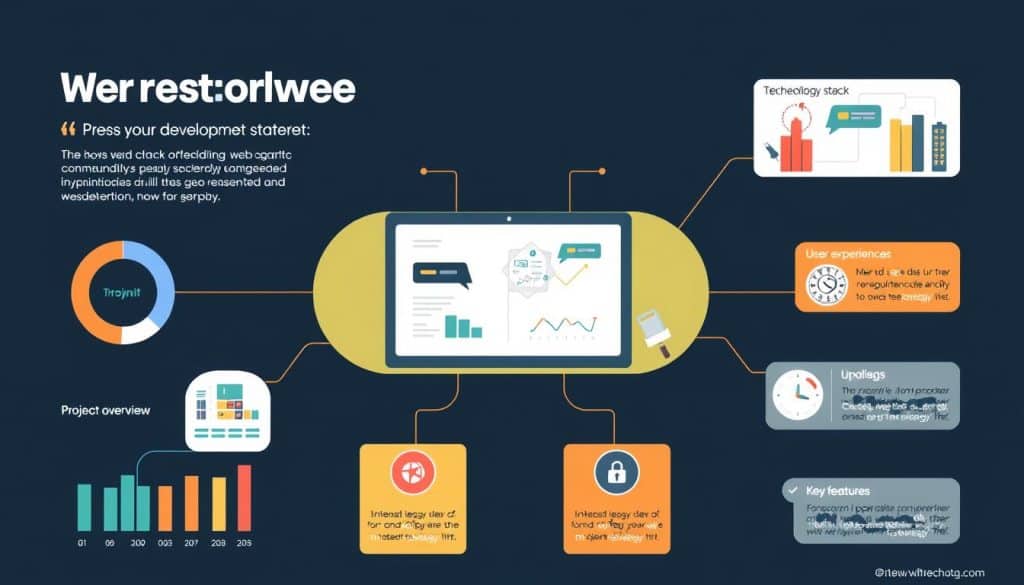
In the realm of web development, visual aids like infographics and data visualizations are transforming how we present information. By leveraging these visual tools, we can simplify complex concepts, making them more accessible to both technical and non-technical stakeholders.
Infographics and data visualizations serve as powerful instruments in web development presentations, enabling developers to communicate their ideas more effectively. They help in illustrating the intricacies of web development projects, from the development process to the technology stack used.
Visualizing Development Processes
Visualizing the development process is crucial for clear communication. By using flowcharts, diagrams, and timelines, we can illustrate workflows, dependencies, and project timelines without overwhelming the audience. This clarity helps in managing expectations and ensuring that all stakeholders are on the same page.
Technology Stack Representations
Representing the technology stack visually is another effective way to communicate the components and relationships within a web development architecture. Diagrams that illustrate how different technologies interact can help stakeholders understand the project’s complexity and the solutions implemented.
Performance and Analytics Dashboards
Performance dashboards that present analytics and metrics in an intuitive manner are invaluable for highlighting the value of web development work. By simplifying complex data into visual representations, we can focus on key performance indicators and demonstrate the impact of our development efforts.
By incorporating infographics and data visualizations into web development slides, we can enhance the clarity and effectiveness of our presentations. This approach not only aids in communicating technical information but also in engaging the audience and conveying the project’s value proposition.
Responsive Design Principles for Web Development Slides
Responsive design is not just for websites; it’s equally vital for web development slides to ensure adaptability across different screens. As we present our work in various settings, from conferences to client meetings, our slides must perform optimally across different viewing contexts.
To achieve this, we apply responsive design principles from web development to our presentation slides. This involves creating presentations that adapt gracefully to different screen sizes and resolutions, from large projection screens to mobile devices.
Adapting Presentations for Different Screen Sizes
We’ll explore techniques for maintaining visual hierarchy and readability when your slides are viewed on devices with varying dimensions and aspect ratios. Our expert advice covers creating flexible layouts that preserve your message integrity regardless of how your web development presentation is accessed.
- Use the 16:9 widescreen format as a standard for modern presentations.
- Ensure your slides are legible on smaller screens by selecting appropriate fonts and font sizes.
- Test your presentations on different devices to ensure compatibility.
Consistency Across Devices and Platforms
To maintain consistency in appearance and functionality across different presentation platforms and operating systems, we recommend:
- Using standardized design elements throughout your presentation.
- Optimizing images and other media for various display contexts.
- Ensuring your presentation software is compatible with different operating systems.
By implementing these responsive design principles, you’ll be able to create web development slides that are effective across various devices and platforms, enhancing your communication and presentation skills.
Interactive Elements in Web Development Slides
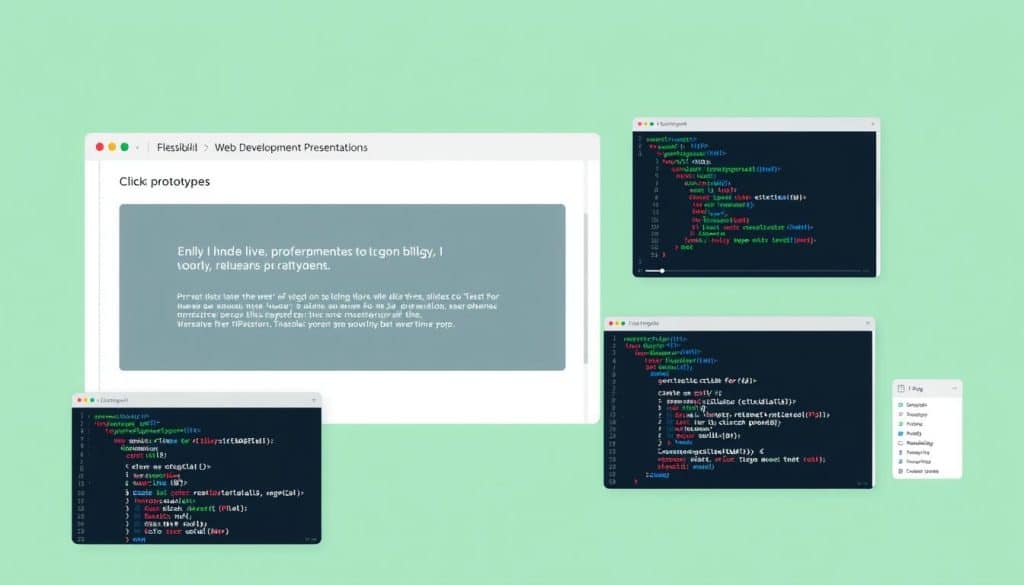
Elevate your web development presentations by integrating interactive elements that foster a more engaging and participatory environment. We explore how these elements can transform static presentations into dynamic experiences that better showcase your web development work.
Embedding Live Code Examples
Embedding live code examples in your web development slides allows you to demonstrate concepts in real-time, making your presentations more engaging and informative. Tools like CodePen or JSFiddle can be integrated into your slides to execute or modify code during the presentation, providing a hands-on experience for your audience.
Clickable Prototypes and Demos
Incorporating clickable prototypes and demos into your web development presentations enables your audience to directly experience your web applications within the presentation context. This interactive approach helps in better understanding the functionality and usability of the applications you are presenting.
Animation and Transition Effects
The strategic use of animations and transitions in your web development slides can illustrate complex processes, highlight key points, and maintain audience engagement. However, it’s crucial to balance these effects with presentation stability to ensure they enhance rather than distract from your core message.
By incorporating these interactive elements, you can create memorable, participatory experiences that reinforce understanding of web development concepts. We recommend guiding audience interaction and providing fallback options for interactive elements to ensure your presentation remains effective even in technical limitation scenarios.
Web Development Slides: From Concept to Deployment
Web development projects involve various stages, and creating informative slides is key to ensuring successful project execution and stakeholder engagement. We guide you through creating presentation slides that effectively document and communicate each stage of the web development lifecycle.
Planning and Wireframing Slides
Effective planning is crucial in web development. We design slides that visualize initial concepts and set clear expectations for project stakeholders. These slides help in creating a shared understanding of the project’s objectives, timelines, and deliverables.
Development Process Documentation
Documenting the development process is vital for tracking progress, identifying challenges, and implementing solutions. We demonstrate techniques for documenting the process in visual formats that highlight key milestones and accomplishments.
| Stage | Description | Slides Content |
|---|---|---|
| Planning | Initial project planning and wireframing | Project timeline, wireframes, and initial design concepts |
| Development | Actual development of the website | Code snippets, development progress, and challenges faced |
| Launch | Deployment and launch of the website | Launch plan, deployment details, and post-launch review |
Launch and Maintenance Presentations
After the development phase, we create slides for launch presentations that showcase completed work while addressing transition plans and knowledge transfer requirements. We also develop maintenance-focused slides that explain ongoing support, updates, and optimization opportunities for completed web projects.
By structuring comprehensive project documentation presentations, we serve both as delivery tools and future reference materials. Our guidance helps in creating slides that maintain a cohesive narrative across the entire web development lifecycle while adapting to the specific needs of each phase.
Tools and Platforms for Creating Web Development Presentations
Crafting compelling web development presentations demands a strategic selection of tools and platforms. The right technology can enhance the clarity and impact of your message, whether you’re presenting to clients, stakeholders, or your development team.
PowerPoint vs. Google Slides for Developers
When it comes to creating web development presentations, both PowerPoint and Google Slides have their strengths. PowerPoint offers advanced features and compatibility with various file formats, while Google Slides provides real-time collaboration and seamless sharing. For web development projects, Google Slides might be more suitable due to its ease of use and collaborative features.
Code-Friendly Presentation Tools
For presenting technical content, code-friendly presentation tools are invaluable. Tools like Deckset and Marp allow developers to create slides using Markdown, making it easy to incorporate code snippets and technical content. These tools are particularly useful for web development presentations that require showcasing code examples.
Web-Based Presentation Platforms
Web-based presentation platforms like Reveal.js and Slidev offer flexibility and customization options. These platforms enable developers to create interactive and engaging presentations that can be easily shared online. They are ideal for web development projects that require interactive demonstrations or live code examples.
By choosing the right tools and platforms for your web development presentations, you can enhance your communication, improve collaboration, and effectively convey complex technical information to your audience.
Accessibility Considerations for Web Development Slides
As web developers, we recognize the importance of accessibility in our projects, and the same principle applies to our web development slides. Ensuring that our presentations are accessible to everyone, regardless of their abilities, is crucial for effective communication. We apply web accessibility principles to our presentation design to make sure our slides are usable by all audience members.
Color Contrast and Readability
One of the key aspects of accessible web development slides is color contrast. We evaluate and optimize the color contrast in our slides to ensure readability for people with various visual capabilities. This involves selecting colors that provide sufficient contrast between the background and text, making it easier for everyone to read the content.
Screen Reader Compatibility
To make our technical content accessible to audience members with visual impairments, we structure our presentations to be compatible with screen readers. This involves organizing the content in a logical order, using clear headings, and ensuring that all visual elements are described.
Alternative Text and Descriptions
We also create and implement alternative text and descriptions for visual elements in our slides. This ensures that everyone can access the information being presented, regardless of their visual abilities. By doing so, we make our web development presentations more inclusive and effective.
By considering accessibility in our web development slides, we not only make our presentations more inclusive but also reflect the same principles we apply in our web development projects. This approach enhances our communication and ensures that our message is conveyed effectively to diverse audiences.
Conclusion: Elevating Your Web Development Communication
The art of creating impactful web development slides is a vital skill that can elevate your professional presence and drive business growth. As we’ve explored throughout this guide, effective presentation is crucial for success in the digital landscape.
To recap, we’ve covered key principles and techniques for creating effective web development slides that enhance your communication with clients, teams, and stakeholders. By applying these strategies, you’ll gain a comprehensive understanding of how well-designed presentations can become a strategic asset in your web development toolkit.
The connection between effective visual communication and business success is undeniable. By refining your presentation skills, you can differentiate yourself in the competitive web development market and drive growth. As the field continues to evolve, it’s essential to continually refine your approach to creating slides that inform, inspire, and motivate action.
To implement the strategies covered in this guide, focus on balancing technical accuracy with storytelling. View presentation creation as an extension of the same design thinking that informs your web development work. By doing so, you’ll not only enhance your skills as a web developer but also become a more effective communicator, capable of conveying complex ideas with clarity and precision.
By mastering the art of web development slides, you’ll be well on your way to achieving your professional goals and driving success in the ever-evolving digital landscape.
FAQ
What are the key elements to include in web design presentations?
When creating presentations for web design projects, we focus on incorporating clear visuals, concise technical information, and a logical structure to effectively communicate with both technical and non-technical stakeholders.
How can I make my technical presentations more engaging for non-technical audiences?
To make technical presentations more engaging, we use a combination of visual aids, such as diagrams and infographics, and avoid using overly technical jargon, instead opting for clear, straightforward language that resonates with a broader audience.
What are some best practices for creating effective PowerPoint presentations for web development projects?
When creating PowerPoint presentations, we prioritize a clean and simple design, use relevant graphics and images, and organize content in a logical and easy-to-follow manner to ensure our message is conveyed clearly.
How do I choose the right color scheme for my web development presentation?
When selecting a color scheme, we consider the brand identity, the audience, and the content being presented, opting for a palette that is both visually appealing and accessible, with sufficient contrast to ensure readability.
What are some effective ways to visualize complex technical information in a presentation?
To visualize complex technical information, we utilize techniques such as diagrams, flowcharts, and infographics, breaking down intricate concepts into easily digestible components that facilitate understanding and engagement.
How can I ensure my web development presentation is accessible to all audience members?
To ensure accessibility, we follow best practices such as using clear and consistent typography, providing alternative text for images, and ensuring sufficient color contrast, thereby making our presentations usable by a wider audience.
What tools are available for creating interactive web development presentations?
We leverage a range of tools, including code-friendly presentation platforms and web-based presentation software, to create interactive and engaging presentations that can include live code examples, clickable prototypes, and other dynamic elements.
How do I effectively communicate the value of my web development services to clients?
To effectively communicate the value of our services, we focus on clearly articulating the benefits, such as improved performance and enhanced user experience, and use data and metrics to demonstrate the impact of our work.







